
AI image tools are no longer judged only by whether they can make something impressive. The real question is whether they can make something useful.
That is what makes ChatGPT Images 2.0 interesting.
It is built for high-quality AI image creation and image editing, with a strong focus on photorealism, cleaner text rendering, and polished branded visuals. Useful for creators, marketers, designers, and ecommerce teams that need images for real work, not just experiments.
Want to try it without any setup? Open the ChatGPT Images 2.0 template in WunderNode — prompt examples and use cases are already wired up.
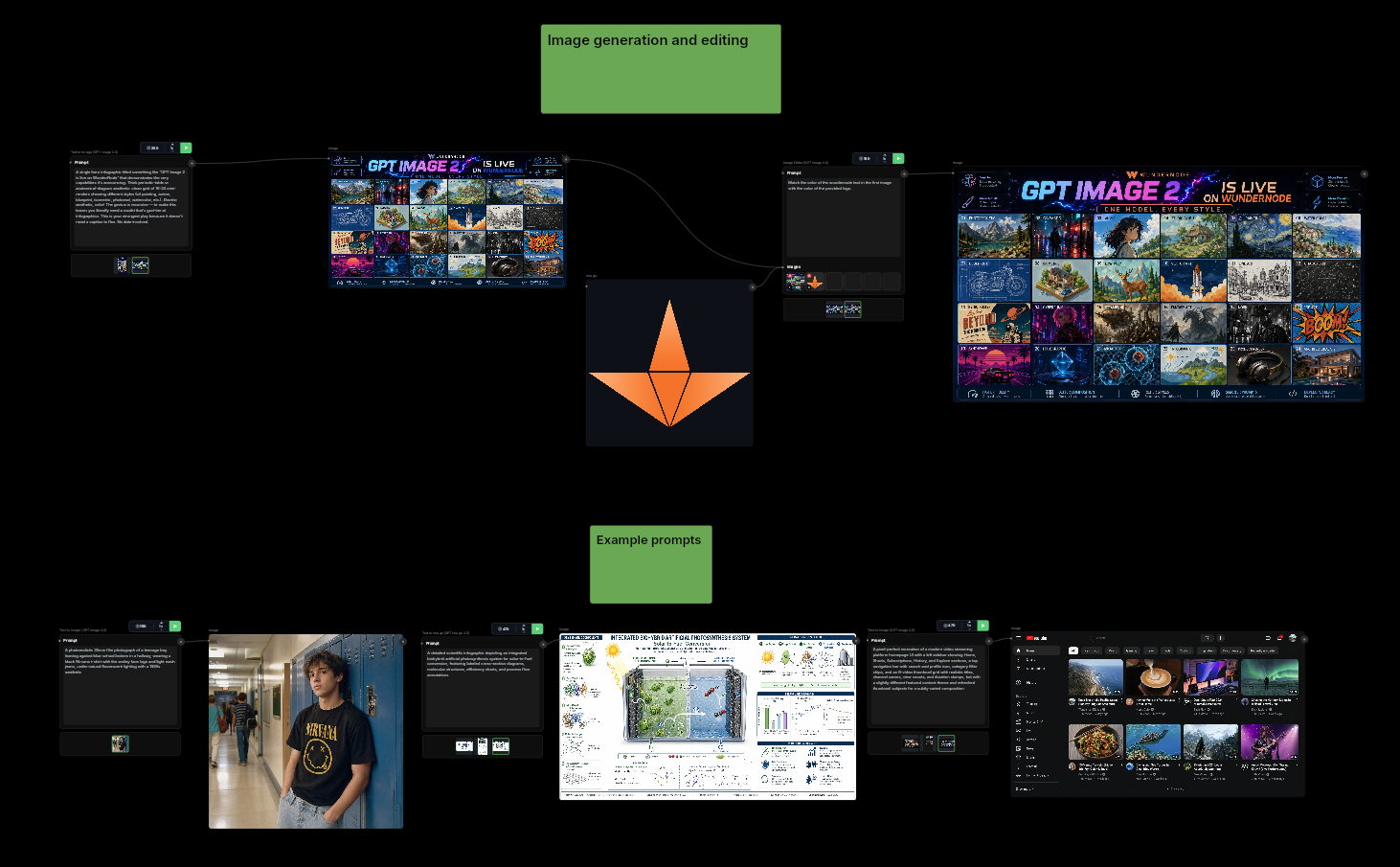
Why ChatGPT Images 2.0 stands out
A lot of image models can create eye-catching visuals. Fewer can handle the details that matter in practical use cases.
ChatGPT Images 2.0 is especially strong in three areas.
Photorealistic image generation
Lighting, materials, textures, and surfaces feel more natural. Outputs look believable and closer to production-ready without heavy retouching.
Better text rendering
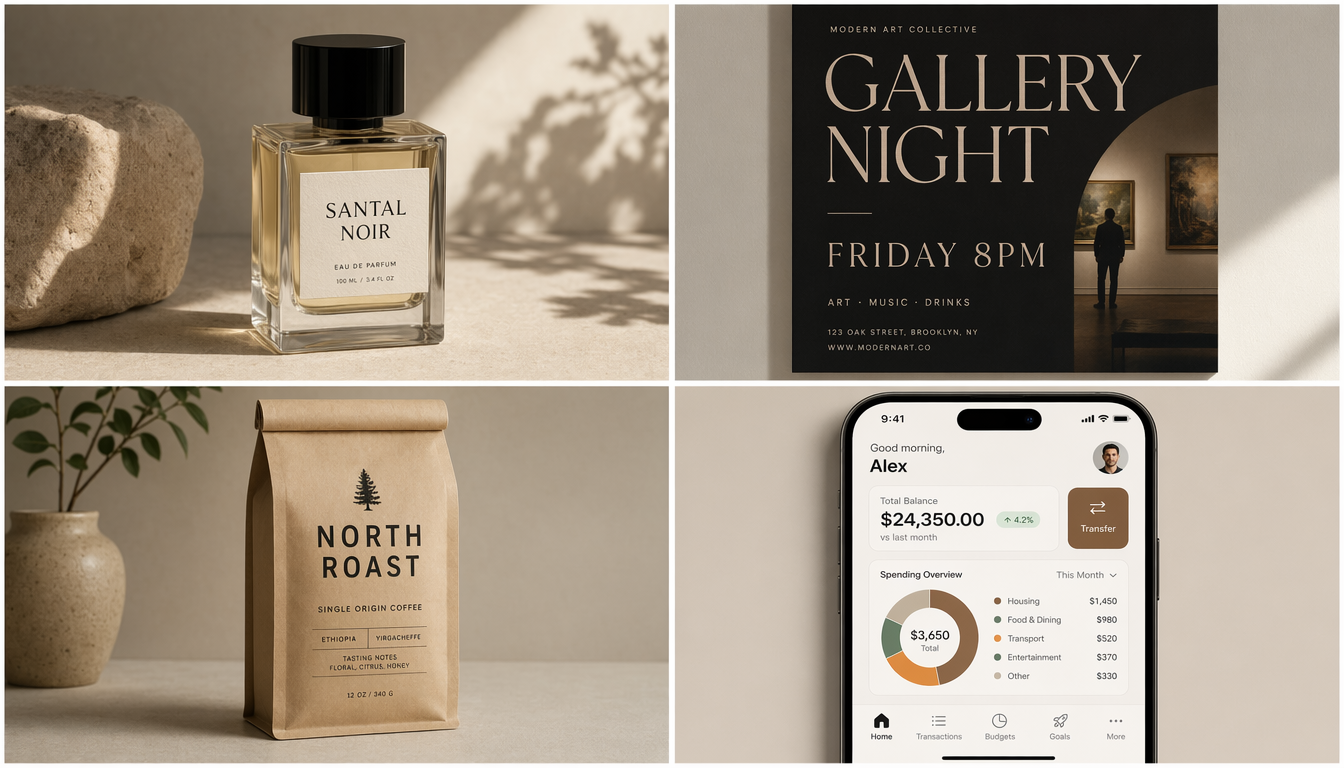
Readable text opens the door to posters, packaging, ads, UI mockups, signage, and other assets where broken typography usually ruins the result.
Branded product visuals
The model suits product photography, packaging concepts, and marketing assets where label clarity, logo placement, and visual consistency matter.
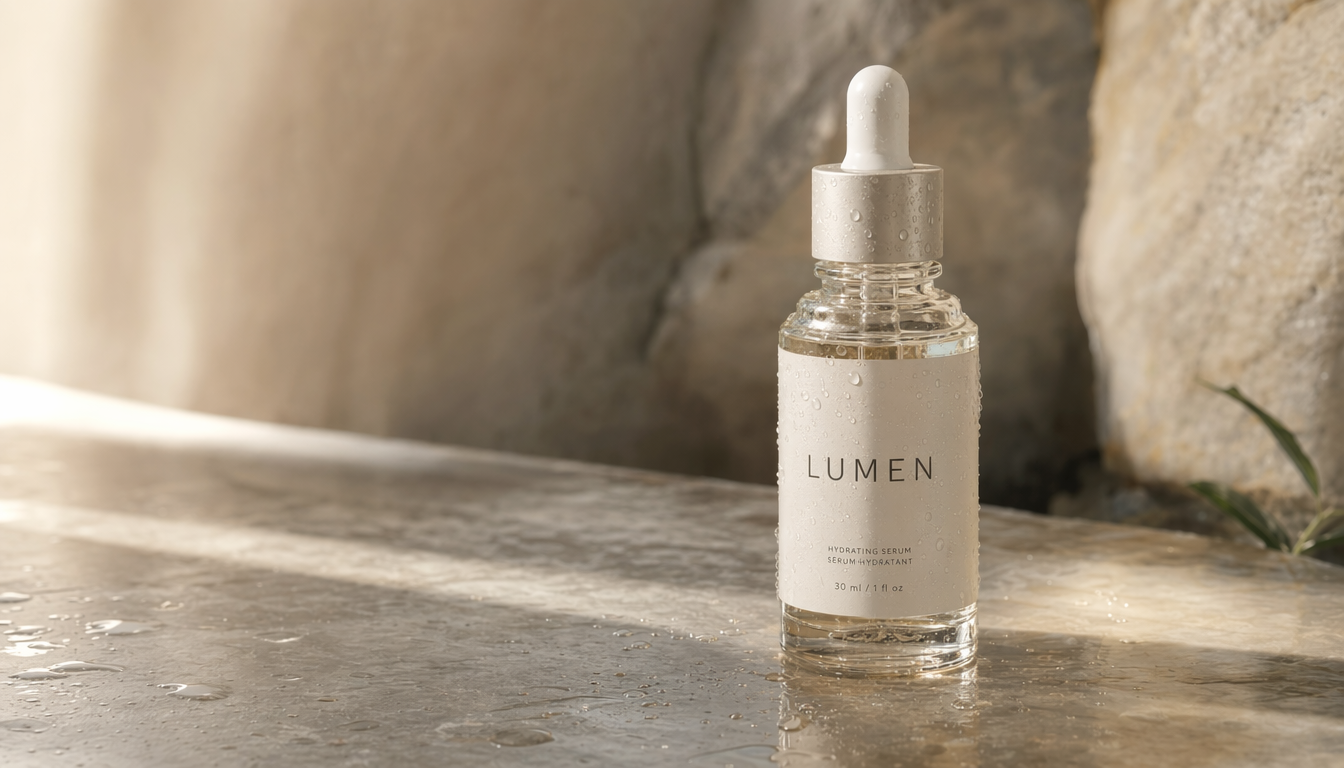
Image editing matters too
This is not just about creating brand-new images from scratch.
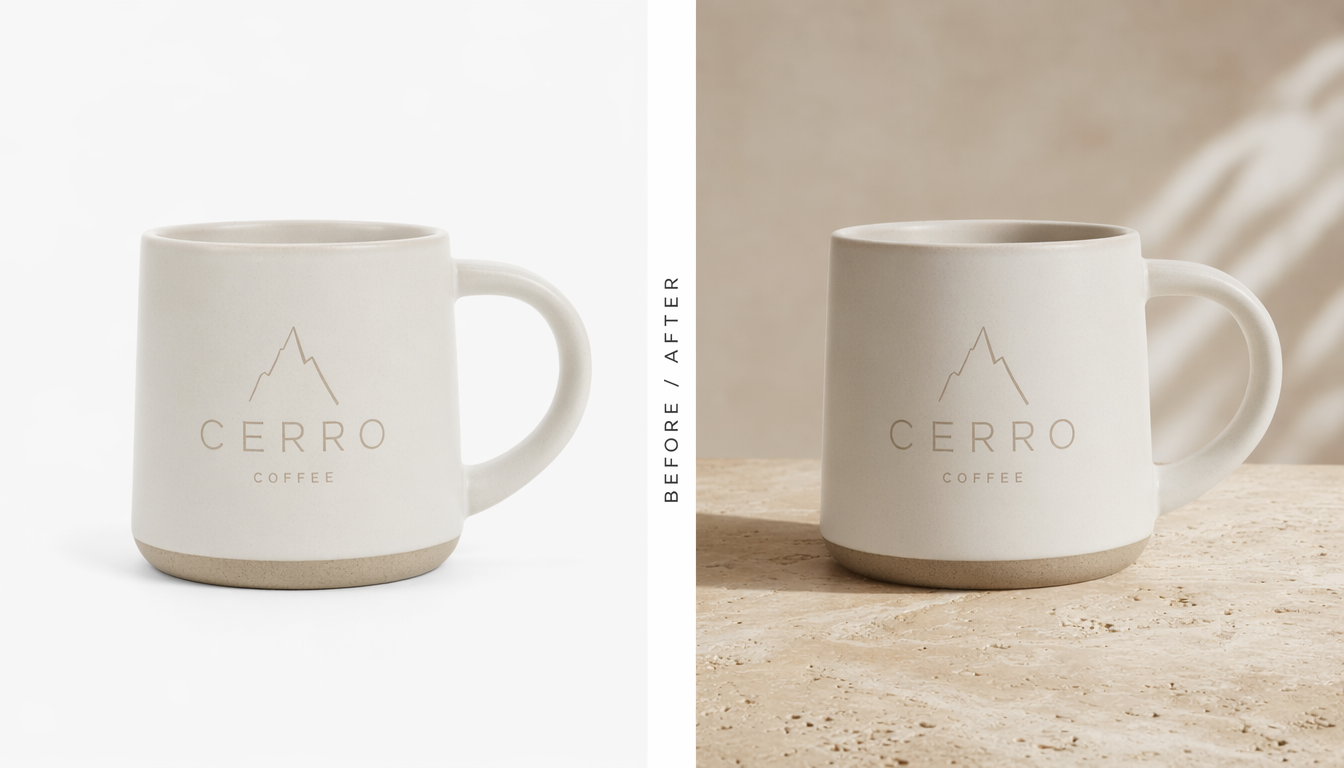
In many workflows, editing is just as useful. You may already have an image and only need to improve it, restyle it, change the setting, or create a new variation without rebuilding everything.
ChatGPT Images 2.0 handles tasks like:
- updating product backgrounds
- refining marketing visuals
- creating alternate campaign versions
- adjusting compositions
- extending an approved visual style
Common use cases
Because of its mix of photorealism, text accuracy, and editing flexibility, ChatGPT Images 2.0 fits a wide range of use cases.
Product photography
Create polished commercial-style product shots with realistic lighting and readable packaging.
Marketing visuals
Generate banners, promotional graphics, and campaign concepts with text that actually holds together.
Packaging and labels
Build concept mockups for branded products, especially when text and layout need to look credible.
UI mockups and signage
Use it for interface concepts, storefront visuals, posters, and other layouts where clean typography matters.
Prompt examples
The best prompts are not dramatic. They are clear.
Instead of writing something vague like make a drink ad, describe the subject, setting, style, lighting, and any required text.
Image creation prompt example
Create a photorealistic advertisement for a sparkling orange drink in a slim
aluminum can, placed on wet stone with orange slices and condensation, dramatic
side lighting, premium commercial photography style, and readable branding on
the can.
Image editing prompt example
Edit this product photo by replacing the plain white background with a warm
natural stone surface and soft shadows, while keeping the product shape, label,
and overall brand look intact.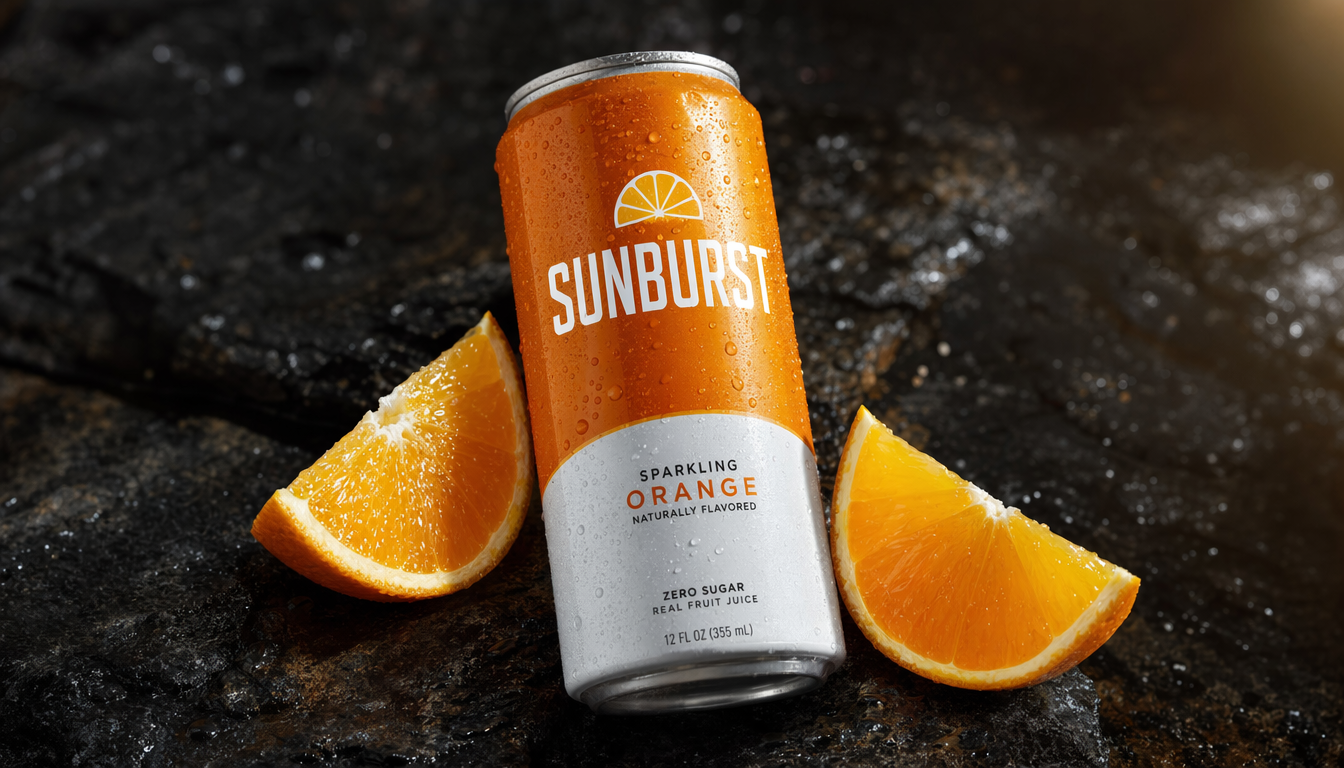
Final thoughts
ChatGPT Images 2.0 is worth paying attention to because it pushes AI image creation and image editing in a more practical direction. Stronger photorealism, cleaner text rendering, and better branded visuals make it a solid option for real creative workflows.
The fastest way to see what it can do is to open the ChatGPT Images 2.0 template, swap in your own reference image, and run one of the prompts above. If you don’t have an account yet, sign up for WunderNode — it takes about a minute.